One shortcut, three states
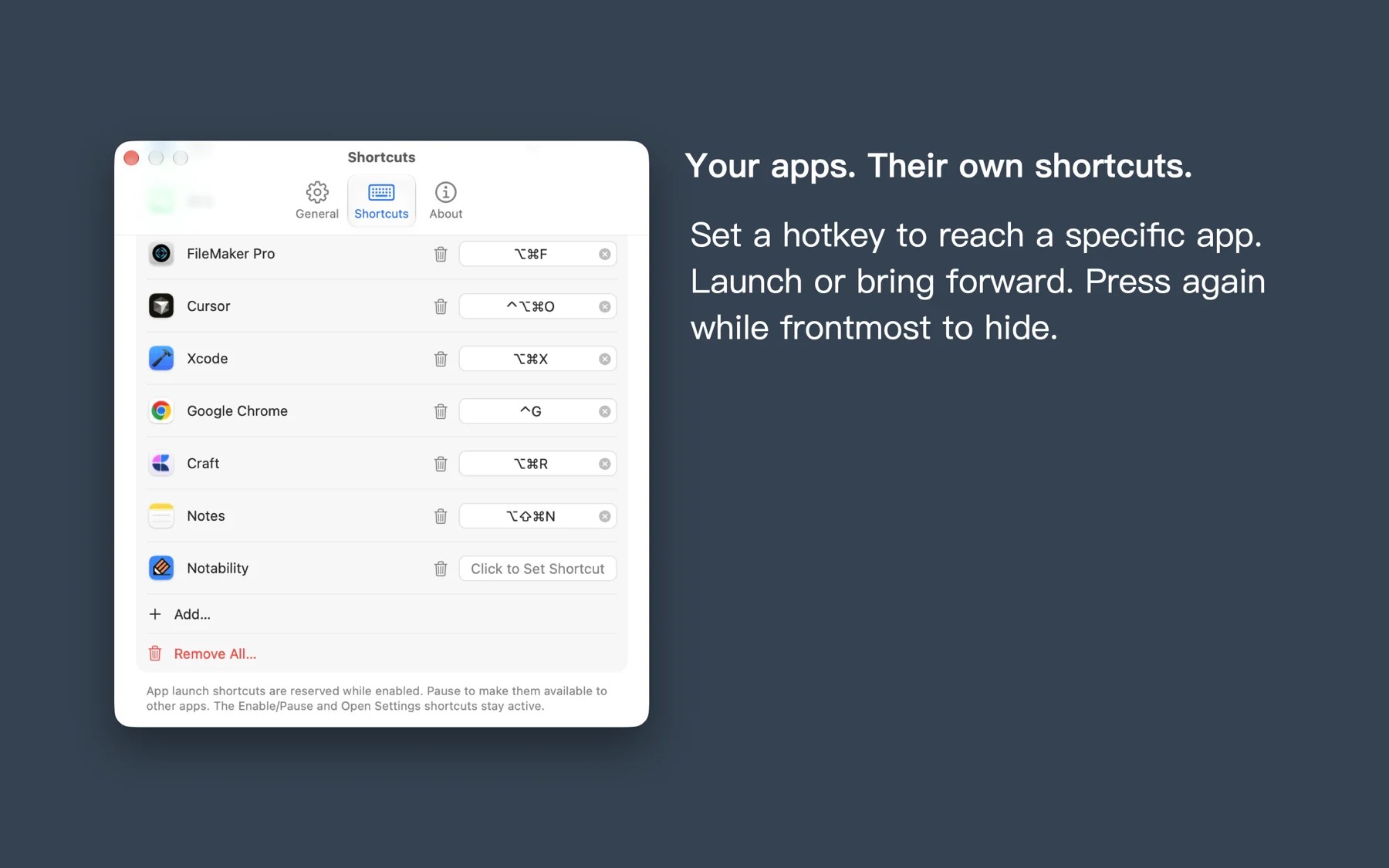
Launch an app, bring it forward, or hide it when it is already frontmost. One familiar combination does all three.

KEYDART / MAC
KeyDart is a macOS menu bar utility. Assign a global shortcut to each app: launch it when closed, bring it forward from the background, or press again to hide it.
Start free · One-time Pro upgrade
FEATURES
Launch an app, bring it forward, or hide it when it is already frontmost. One familiar combination does all three.
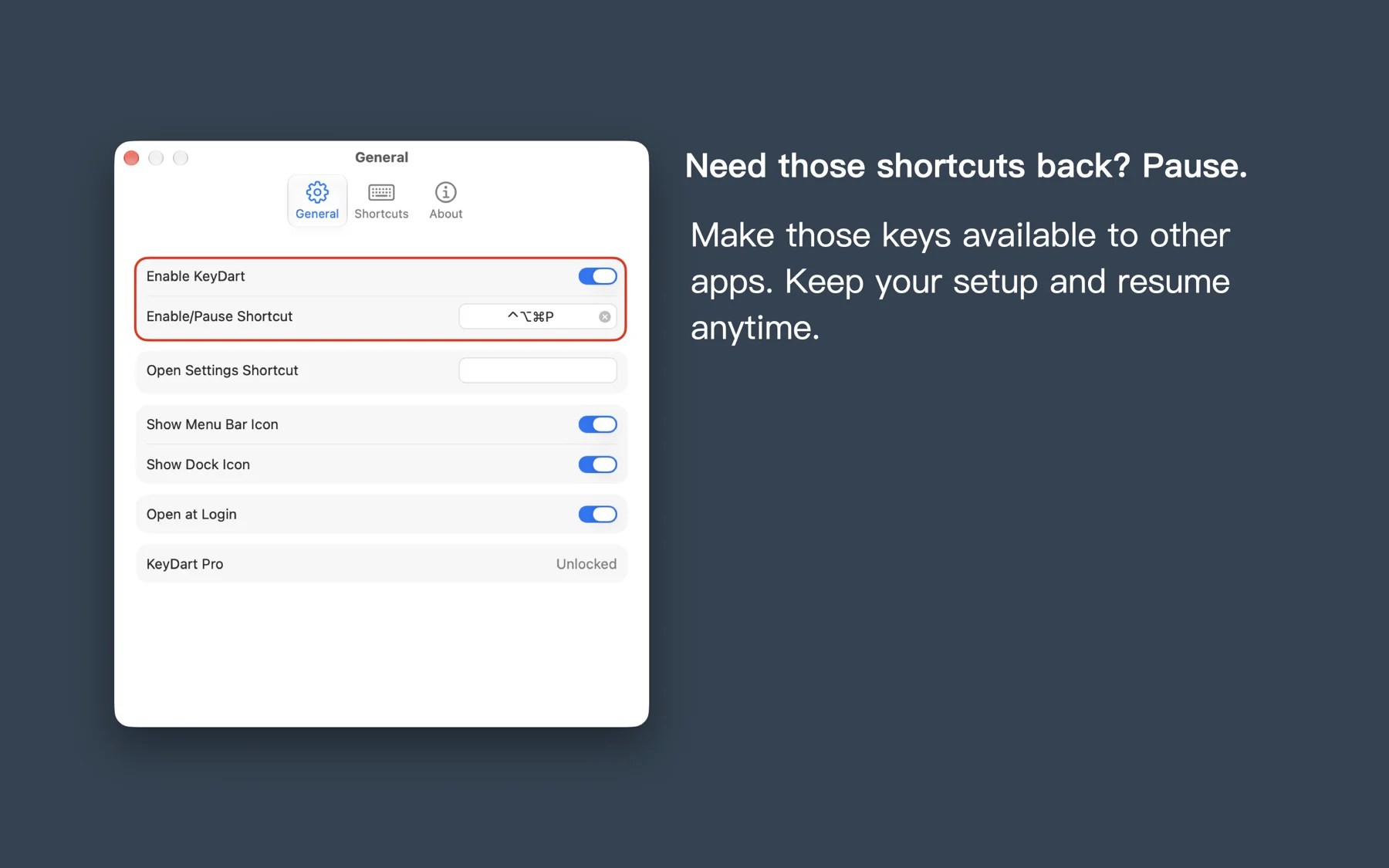
Global shortcuts reserve their combinations. Pause KeyDart to make those keys available to other apps, without deleting your setup.
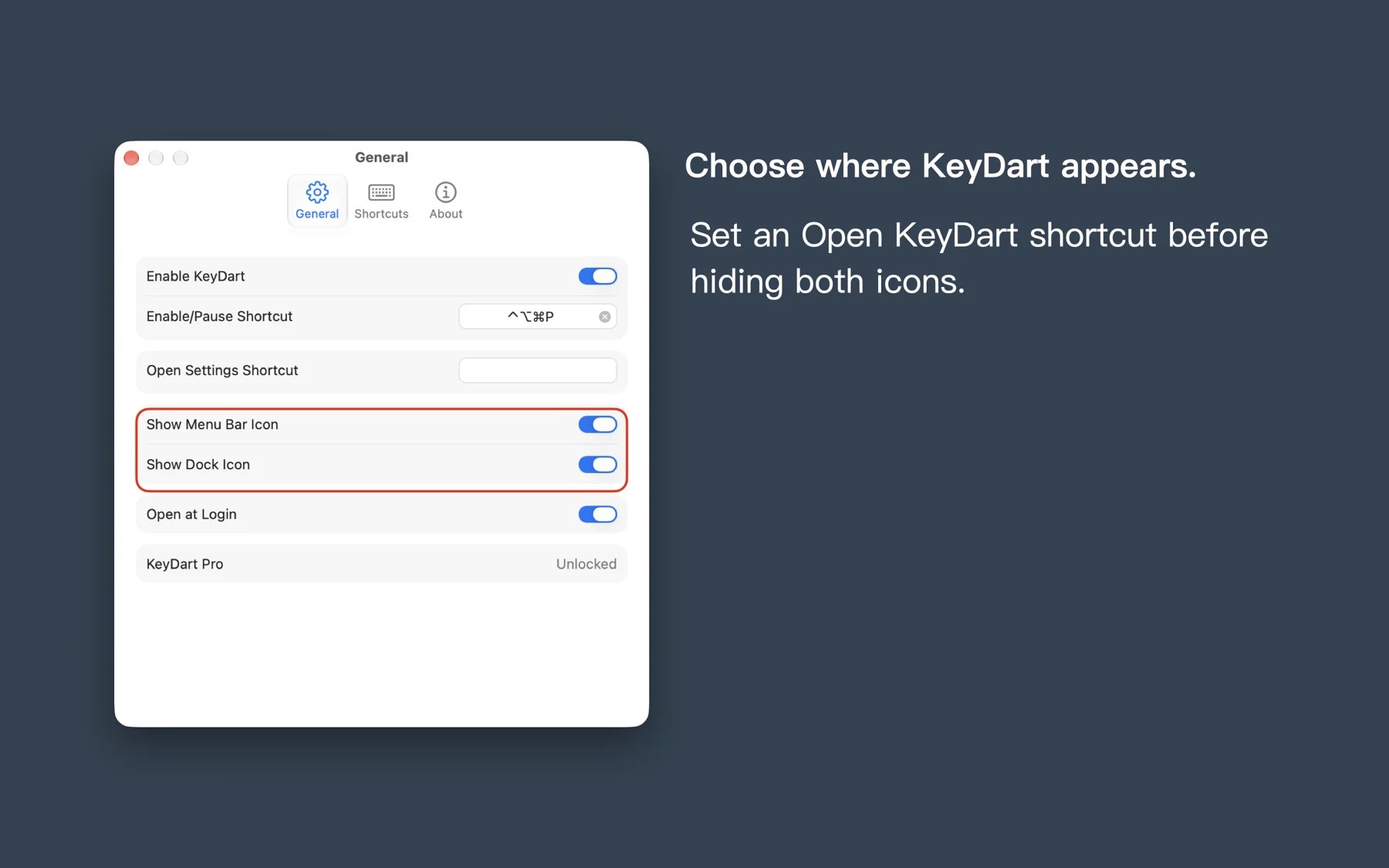
Open at login and choose whether to show the menu bar and Dock icons. Settings stay on your Mac; everyday typing is not recorded.
MAC
Browse the screenshots with the arrows, or select an image to enlarge it.
A SIMPLE START
Add the editor, browser, or other apps you reach for every day.
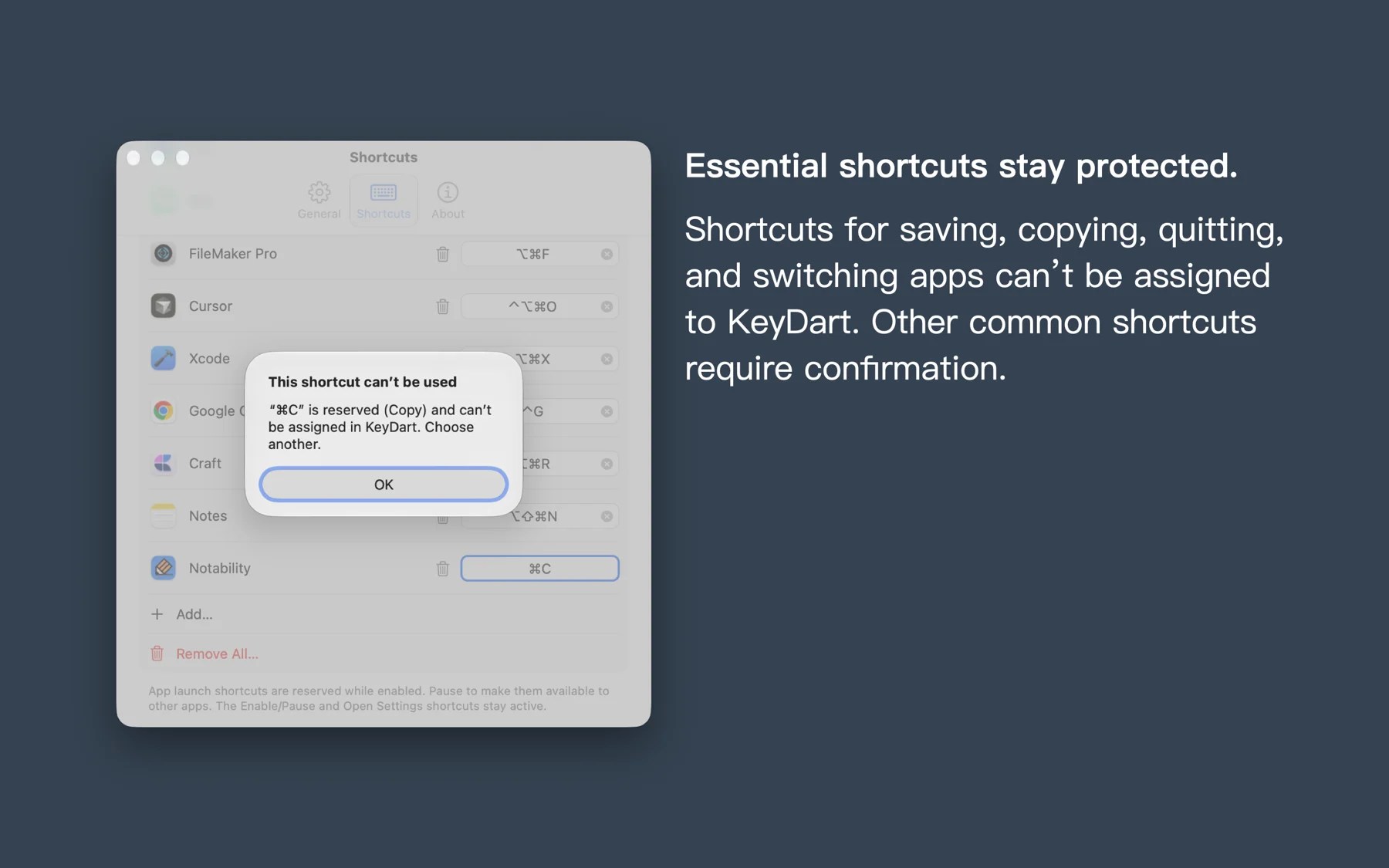
Use a modifier and a key. Pick a combination that avoids conflicts.
Press to launch or bring forward, again to hide. Pause when you need the original keys.
FREE & PRO
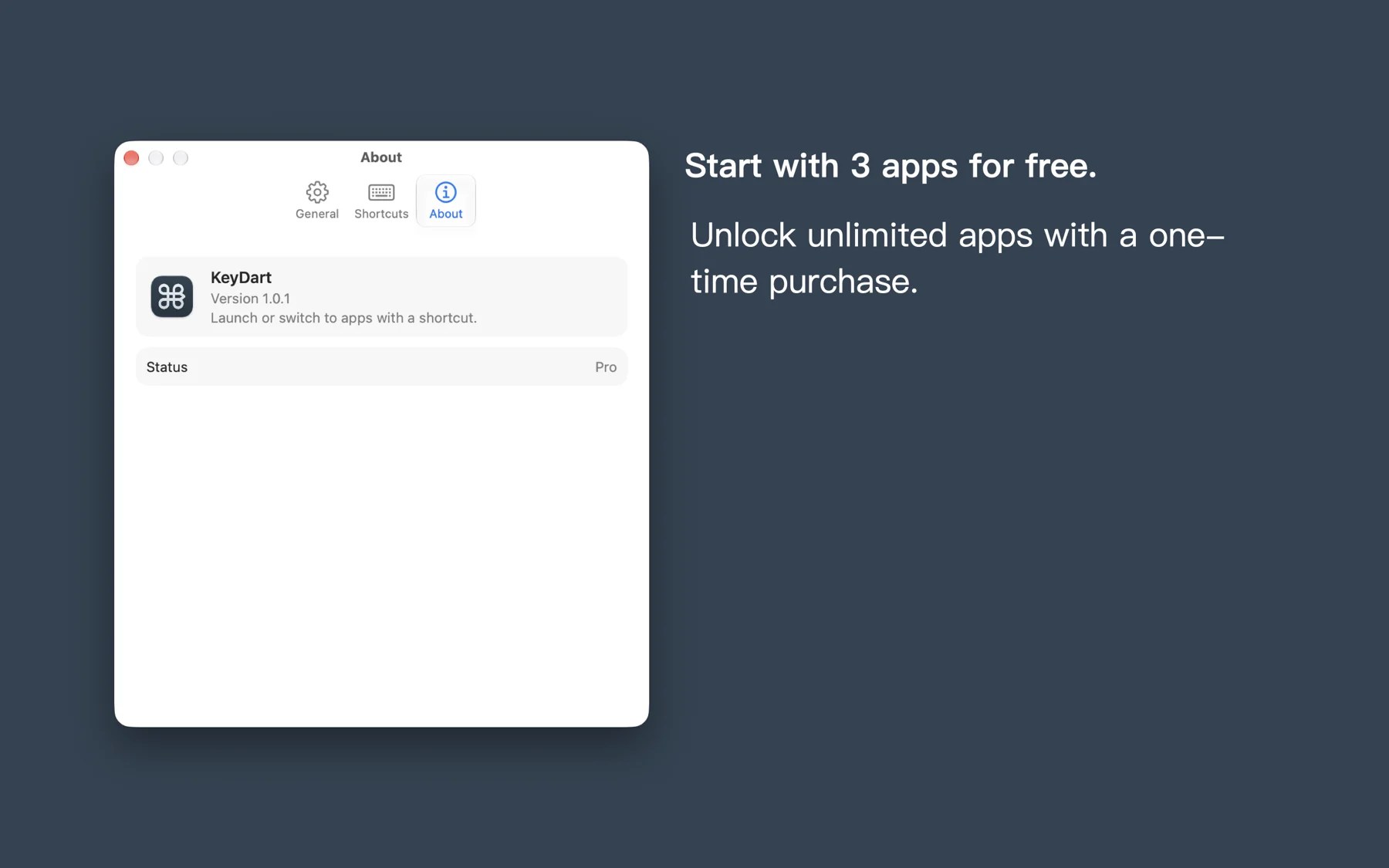
Shortcuts for 3 apps; pause, open at login, and icon visibility controls.
Unlimited app shortcut bindings, with all the features included in Free.
See the App Store and in-app purchase screen for current pricing and availability.
FAQ
Enabled global shortcuts reserve their combinations. Pause KeyDart to return them temporarily without deleting your setup.
According to the project privacy documentation, KeyDart registers only the shortcut combinations you choose. It does not record everyday typing, and settings stay on your Mac.
Bind 3 apps for free, with pause, open at login, and icon visibility controls. A one-time Pro purchase unlocks unlimited bindings.
Requires macOS 15 or later. Use the “View on the App Store” button on this page to open the store listing.